Code Is a Superpower.
Class Starts Here.
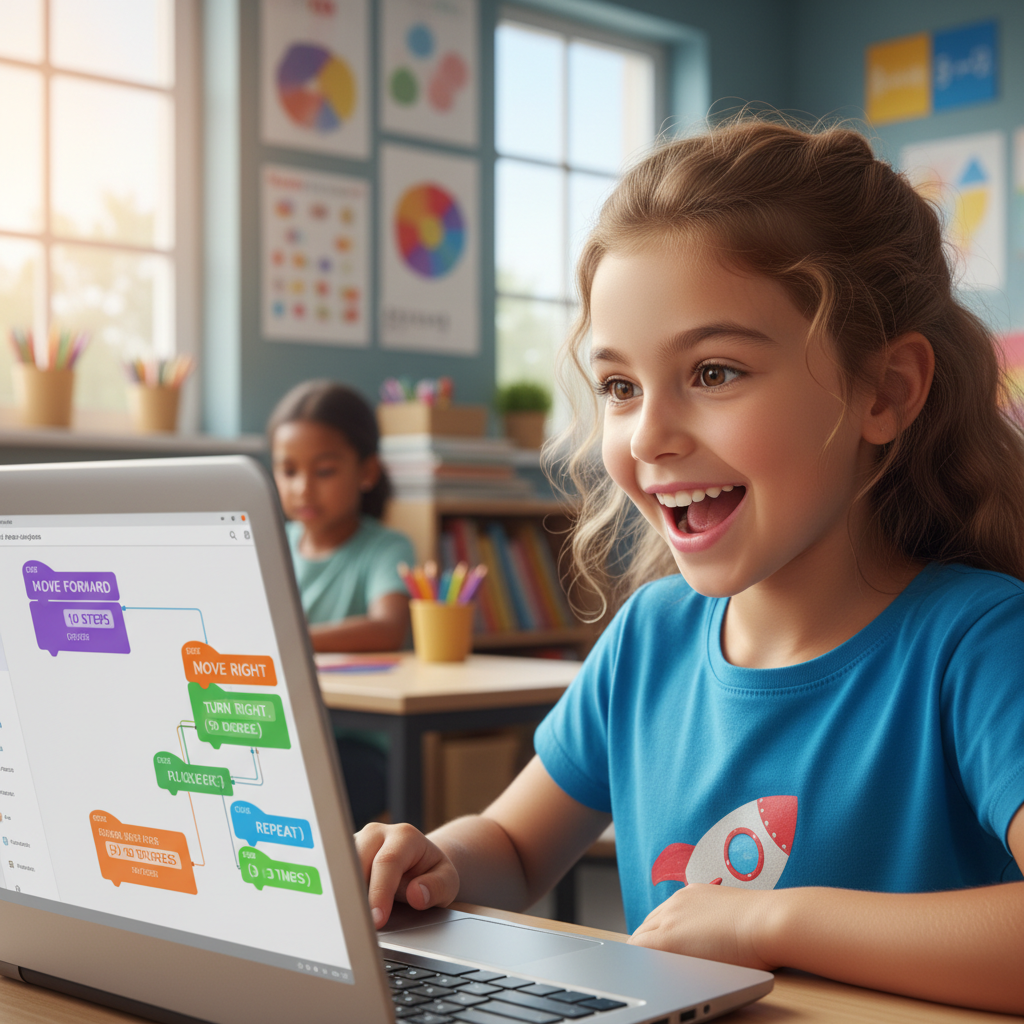
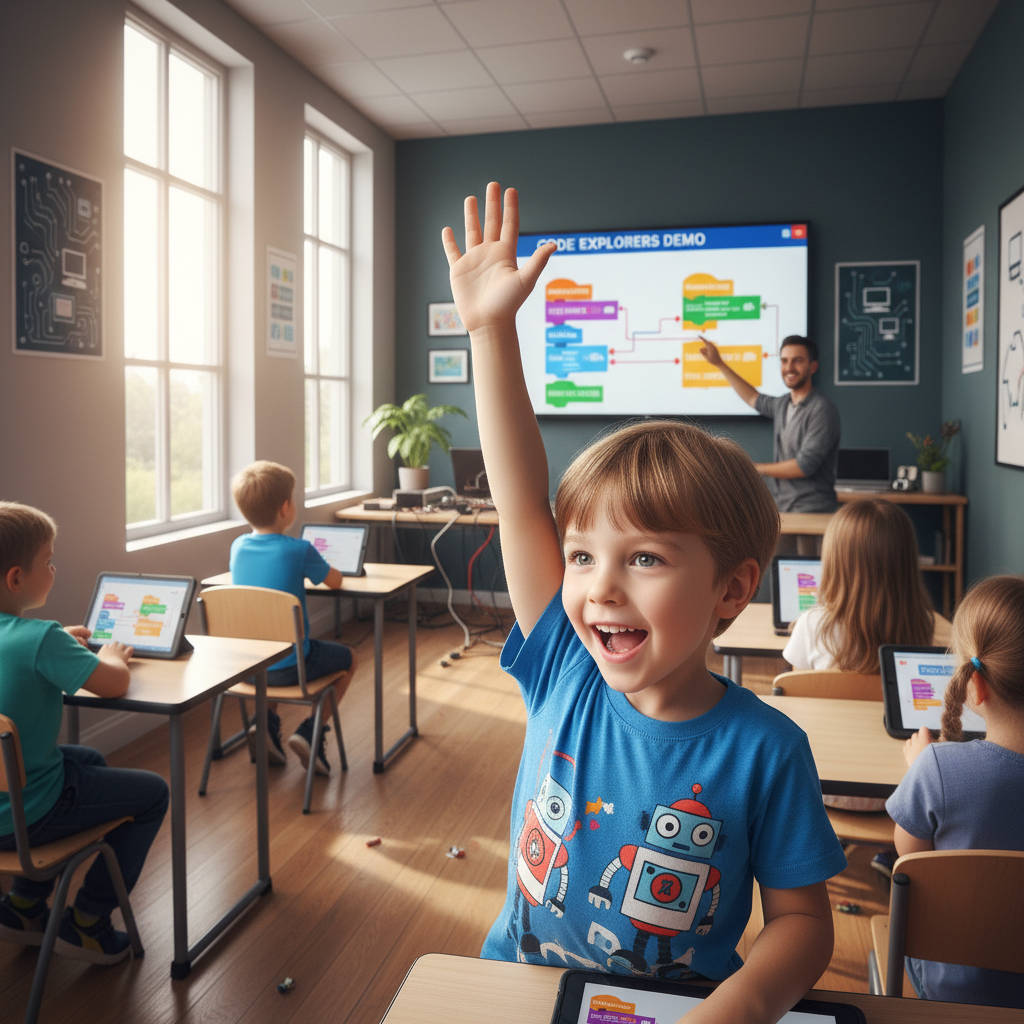
Saturday morning classes where kids 6–10 drag colorful blocks into sequences that make cartoon robots dance — then cheer when the code runs.
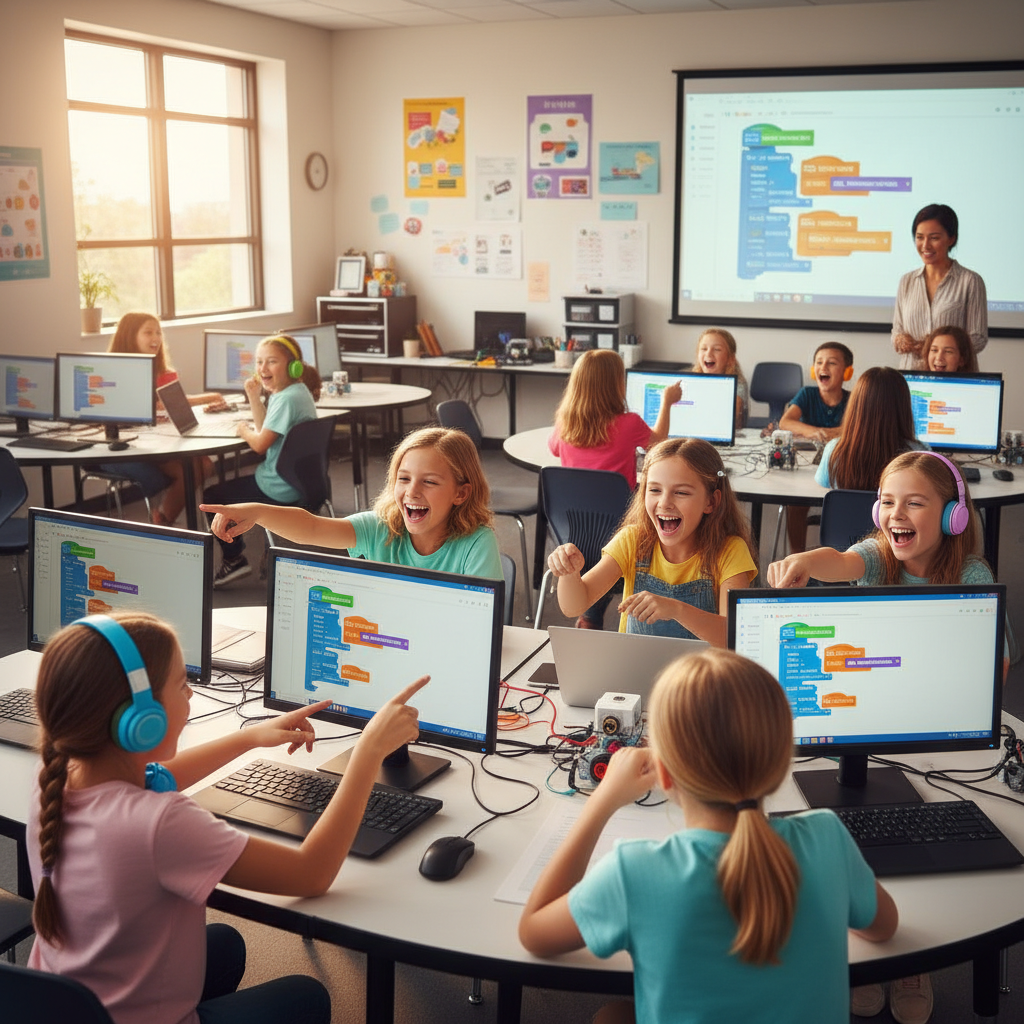
Real kids. Real code. Real cheers.
Every Spark class ends with a demo showcase where kids present what they built to each other. The room gets loud.
Flip a card — see the code inside
Every project is built by a real kid, in class, in one session.
Maze Runner
Amara's first game — a maze where a cat collects fish.
Dance Bot
Leo's robot that does the worm when you clap.
Weather Painter
Sofia's app that draws rain, sun, or snow on the screen.
↑ These are actual projects from Spark students. Tap any card to see the code.
Take a class home — for free.
Download the Maze Runner starter project: a fully commented, ready-to-open file your kid can remix right now. No account needed, no app to install.
Pre-built maze template
Step-by-step guide card
3 bonus challenge ideas
Want to see everything we teach?
See the Full Curriculum →55 minutes. One idea. Infinite builds.
Here's exactly what happens in a Spark session — from the moment kids sit down to the moment they can't stop talking about what they made.
Arrival & Warm-Up Puzzle
Kids walk in and find a mystery code snippet on their screen. They've got 5 minutes to guess what it does before we reveal it. The room fills with theories.
Concept Introduction
The teacher introduces one idea — loops, conditions, or events — using a short story and a live demo. No slides. Just a shared screen and a lot of 'oh wait, THAT'S why' moments.
Guided Build
Everyone builds the same starter project together, step by step. The teacher narrates live. Kids follow along, but mistakes are celebrated — they're how we learn.
Free Build Time
The last 15 minutes belong to the kids. They remix, break things, and try wild ideas. This is where the magic happens. The teacher circulates and asks questions, never gives answers.
Demo Showcase
Every kid gets 30 seconds to show their screen. The room erupts. Even the kids whose code didn't quite work get cheers — because they tried something nobody else tried.
The kids say “again, again.”
We let the families do the talking.
I honestly expected my daughter to lose interest after the first week. Instead she woke me up at 7am on Saturday asking if it was time for Spark yet. She built a game that made her little brother cry laughing.

Melissa Okonkwo
Parent, second grader
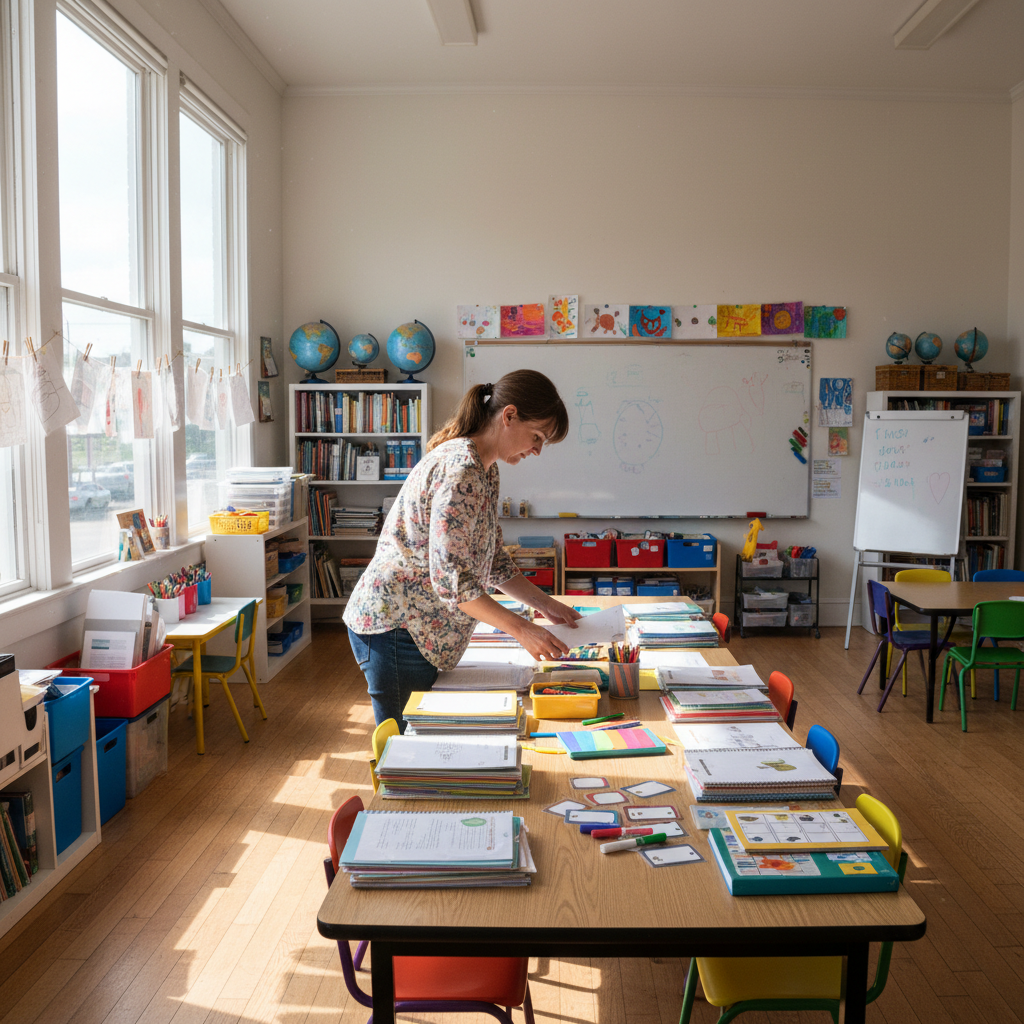
We run a homeschool co-op and needed something with real structure. Spark gives us a full lesson plan, vocabulary cards, and extension activities. The kids think they're just playing. They're actually learning CS concepts.
David Ramirez
Homeschool co-op organizer
I fill our spring after-school slots every February. This year I had a waitlist by January 12th — just from word of mouth. Parents don't just re-enroll, they recruit other parents.
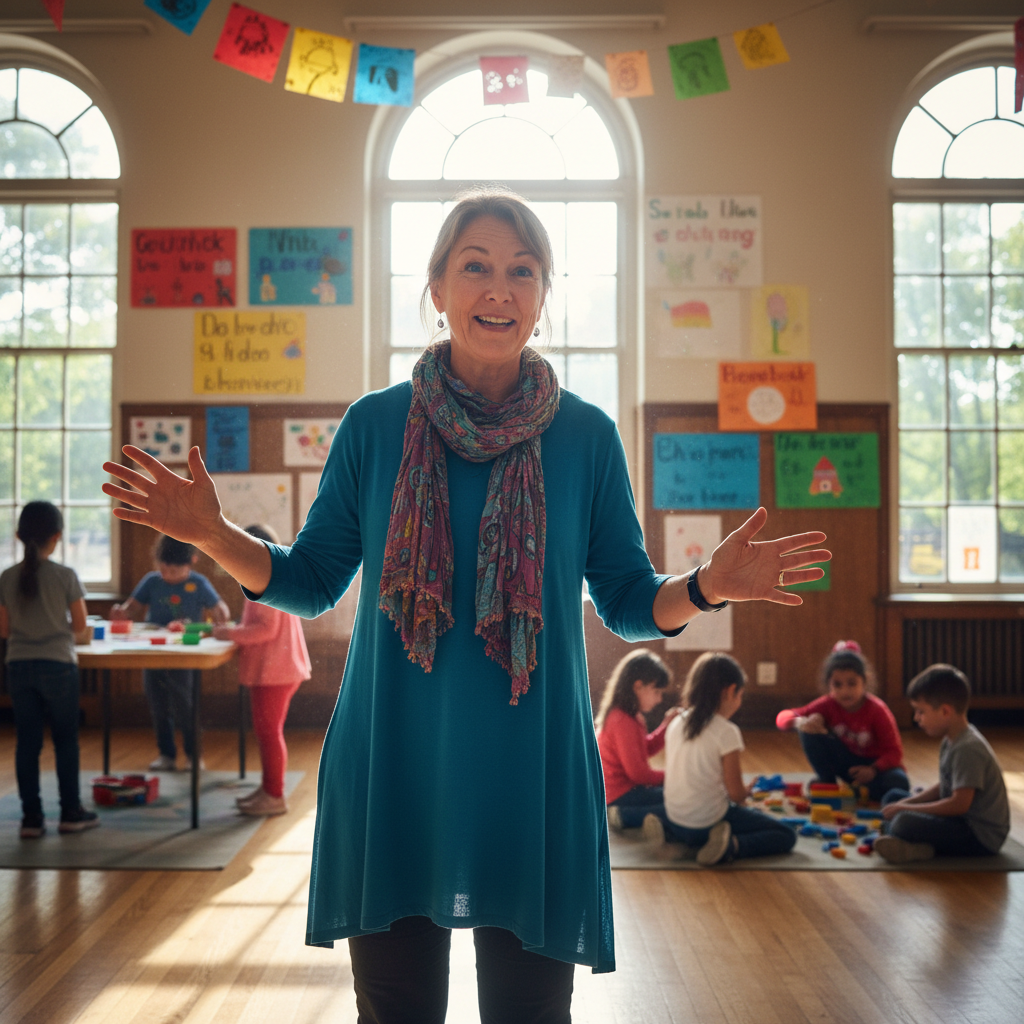
Priya Venkataraman
After-school program director, Chicago
Press play on your kid's curiosity.
Spring sessions fill fast — we keep classes to 6 kids so every child gets real attention. Grab a spot, or start with the free project today.